Inviting Party Members
Choreboard is designed for households, so you'll want to invite your family members, roommates, and even guests!
How to Invite Members
From your realm dashboard click the Manage button
One of the first items you'll see on the realm manage page is the Invite Link widget. Simply copy the link and send it to your party members.
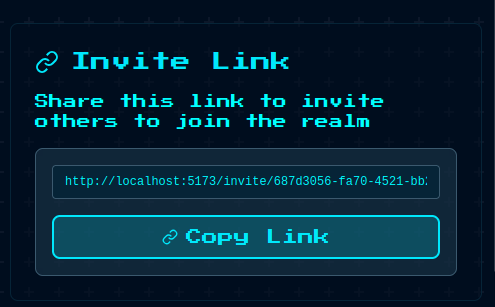
Anyone who clicks that link will be prompted to create an account or log in if they already have one. Once they do, they'll be added to your realm.
💡 Pro Tip
Anyone who joins the realm will start with the ability to add quests. This is useful for adult party members, but you may wish to switch it off for children.